Gathering Reference with Intention: Building a Useful Visual Library
The value of intentional reference
Reference is not a substitute for observation; it is a tool that extends it. When gathered with intention, reference images shorten the time needed to solve design problems and support reliable iteration. The key is to collect what informs decisions rather than everything that is merely interesting.
Define what you need
Before collecting, ask simple questions: What decisions am I trying to make? Do I need accurate anatomy, interesting fabric folds, a particular light angle, or a colour relationship? Narrow goals make searching and shooting more efficient.
Shooting your own reference
Taking your own photographs has several advantages: you control lighting, angle, and scale, and you build an archive that matches your working style. Practical tips:
- Use consistent lighting: A single light source at a stable height simplifies shadow relationships across studies.
- Shoot multiple crops: Capture wide, mid, and tight frames of the same subject so you can choose the right level of detail later.
- Include colour swatches: Photograph a neutral card or a small fabric swatch near your subject to help with colour calibration.
Organizing and tagging
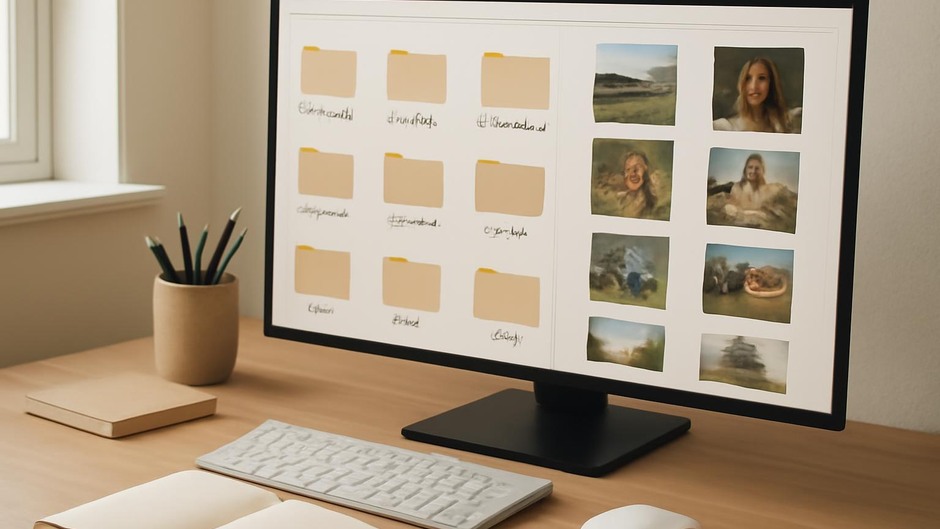
Organization should serve retrieval. A flat folder structure with clear tags often works better than deep nested folders. Consider tags like “gesture”, “texture-wood”, “soft-light”, “hands”, or “fabric-heavy”. Most image apps allow simple keywording; keep tags short and consistent.
Cropping and editing for usefulness
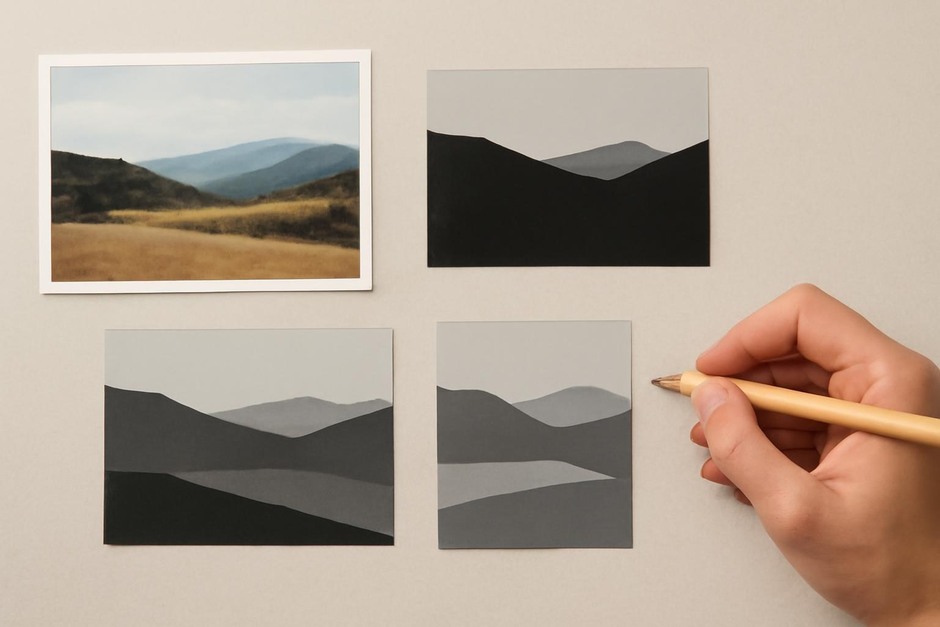
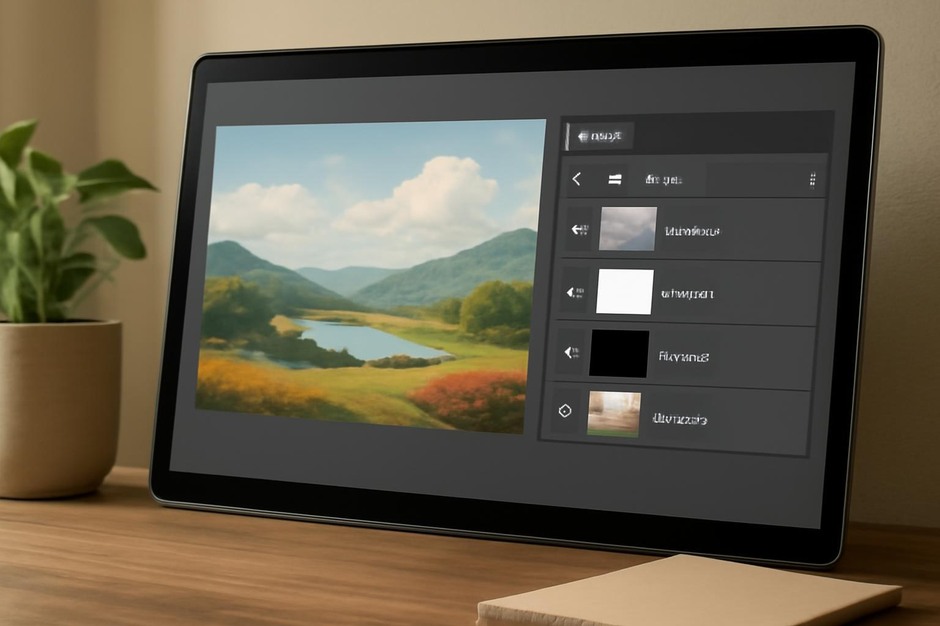
When you import photos, make quick crops that isolate the information you expect to use. Save a small set of crops: silhouette, mid-detail, and micro-detail. Small edits—contrast boost or temperature tweak—help the image read more clearly but avoid heavy manipulation that obscures the original reference.
Creating quick boards for projects
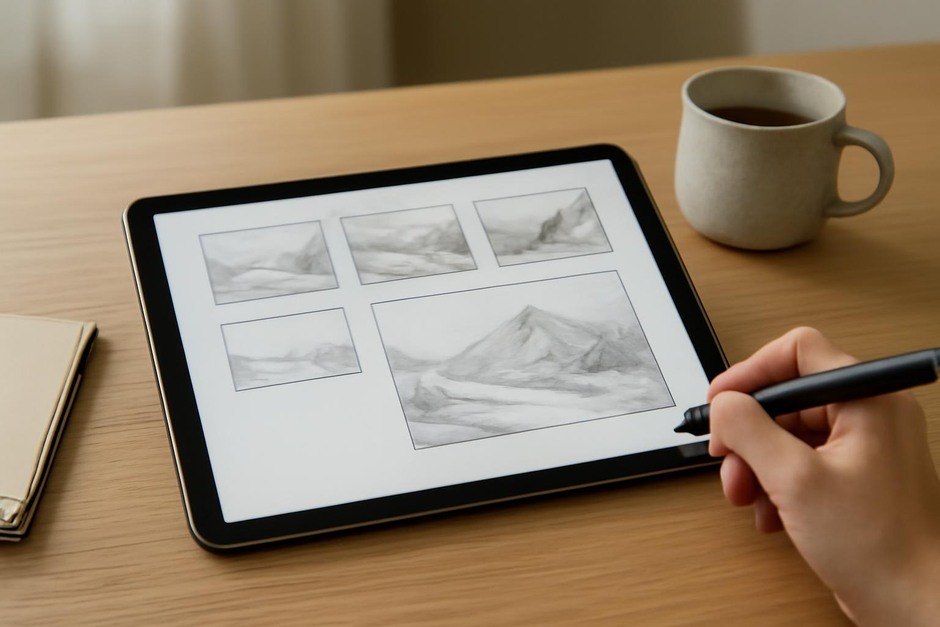
For any new study or illustration, build a tiny reference board of 6–12 images. Limit the board to essentials: one image for pose or composition, one for lighting, one for texture, and two for colour or mood. A compact board reduces decision fatigue.
Using reference responsibly
Reference serves structure and detail, not imitation. Use it to inform proportions, edge quality, and texture, then translate those elements through your personal approach. When studying a source image, simple exercises help internalize lessons: copy a silhouette, redraw a shadow edge as a contour line, or paint a 10-minute value study from a cropped detail.
Practical workflow example
- Shoot multiple photos of a subject with consistent light.
- Import and tag images into a single folder for the project.
- Create three crops per photo: silhouette, mid, detail.
- Build a reference board limited to six images with clear roles.
- Use the board for 15–30 minute iterative studies, then make one decision to take forward into a refined pass.
Intentional reference gathering reduces time spent searching and increases clarity during iteration. Over time you will grow a personal visual library tuned to the kinds of studies and subjects you return to most often.